
In the bustling landscape of online education, the caliber of your course content truly calls the shots. While captivating visuals, engaging slides, and interactive exercises certainly play their part, the audio component—especially your voice over—often forms the very backbone of an immersive learning experience. A professional voice over can work wonders, transforming even the most complex subjects into easily digestible information, guiding your learners through the material with both clarity and confidence.
Crafting impactful voice overs for online courses isn’t just about speaking into a microphone; it’s a meticulous journey, blending careful planning, technical precision, and a dash of performance art. Whether you’re a seasoned educator with years under your belt or just dipping your toes into digital curriculum design, mastering the art of the voice over is a skill that will dramatically elevate the perceived value and educational punch of your courses. This comprehensive guide will walk you through every single step, ensuring you can confidently create voice over for online course content that truly hits home with your audience.
A well-produced voice over is far more than just an optional extra; it’s a core ingredient of the learning experience. It sets the rhythm, communicates emotion, and makes sure your message gets across, both literally and figuratively. Taking the time to get this right truly pays dividends in learner satisfaction and retention, making all the difference in the long run.
Cast your mind back to the last time you tried listening to a podcast or audiobook plagued by shoddy audio – crackles, echoes, or muffled speech can be incredibly distracting, right? The same principle applies to online courses. Clear, crisp voice overs keep learners glued to your content, rather than struggling to hear or make sense of what’s being said. An engaging voice acts like a magnet, holding attention and making the learning journey feel more enjoyable and less of a chore.
What’s more, a voice that radiates enthusiasm and expertise can significantly boost how learners perceive your course’s value. Students are much more likely to stay engaged and power through modules when they feel a genuine connection to the instructor’s voice and the professionalism it exudes. This personal touch is key to bridging the gap between instructor and student in a virtual classroom.
Your voice over often serves as the very first impression students get of your expertise and the overall quality of your course. A high-quality recording immediately screams professionalism and a keen eye for detail. On the flip side, poor audio can undermine even the most brilliantly crafted content, making your course come across as amateurish and less trustworthy – a real deal-breaker for many.
When you put in the effort to produce excellent audio, you’re signaling a deep commitment to your learners’ experience. This commitment quickly translates into trust and respect, both vital for cultivating a loyal student base. A professional voice over solidifies your authority on the subject matter and elevates your entire online course offering, putting it head and shoulders above the rest.
Beyond simply engaging learners and projecting professionalism, top-notch voice overs dramatically enhance the accessibility of your online courses. For students with visual impairments or those who naturally prefer auditory learning, crystal-clear voice overs are nothing short of indispensable. They ensure your content is understood by the widest possible audience, truly embracing inclusive design principles.
Even for learners without specific accessibility needs, a clear audio track supports diverse learning styles and environments. Students can easily tune into your course while commuting, exercising, or tackling other tasks, making your content incredibly versatile and convenient. This kind of flexibility can be a major selling point for your online course, making it a cut above the rest.
Also Read: Best Voice Over Services for Online Courses - Top Picks

Before you even think about hitting that record button, a robust pre-production phase is absolutely critical. This foundational work paves the way for a buttery-smooth recording process and a high-quality final product. Skipping these crucial steps often leads to a world of pain, from costly re-records to outright frustration.
Every stellar voice over begins with an exceptional script. Your script should be clear, to the point, and specifically tailored for spoken delivery, which is a whole different ballgame from written text. Steer clear of overly complex sentences and technical jargon whenever possible. Storyboarding, which means outlining the visual elements right alongside your audio script, ensures everything syncs up perfectly and flows like a dream.
As you write, make it a point to read your script aloud. This simple trick helps you pinpoint awkward phrasing or sections where the pacing feels off. Consider jotting down cues for pauses, emphasis, and tone directly into your script. This practice guarantees a natural delivery and keeps you from rambling. A well-structured script is truly the blueprint for successfully creating voice over for online course content that is both informative and genuinely captivating.
Deciding who will narrate your course is a pivotal moment. If you’ve got a clear, engaging, and confident speaking voice, using your own can inject a wonderful personal touch and undeniable authenticity. However, if you’re uncomfortable speaking for extended periods or your voice simply isn’t suited for narration, don’t hesitate to consider hiring a professional voice actor – it can be a game-changer.
When picking a voice, think about factors like tone, pace, accent, and clarity. The voice should be pleasant to listen to and perfectly align with your course’s overall branding and subject matter. Platforms like Upwork or Fiverr are teeming with voice talents, giving you a broad spectrum of options to find the perfect match for your project.
Your recording environment wields a profound influence on your audio quality. The golden rule here is to minimize echo and external noise. A quiet room, ideally one adorned with soft furnishings like carpets, curtains, and upholstered furniture, will act like a sponge, soaking up sound and dramatically reducing reverberation. On the flip side, steer clear of rooms with hard, reflective surfaces such as bare walls and tiled floors.
Simple fixes, like recording in a closet brimming with clothes or setting up some acoustic foam panels, can make a world of difference. Remember to switch off air conditioners, fans, refrigerators, and, for goodness sake, silence your phone! Even the most subtle background hums can become glaringly noticeable in a clean recording, so meticulous preparation is absolutely key to getting it right.
Also Read: Master Online Course Voice Over Recording
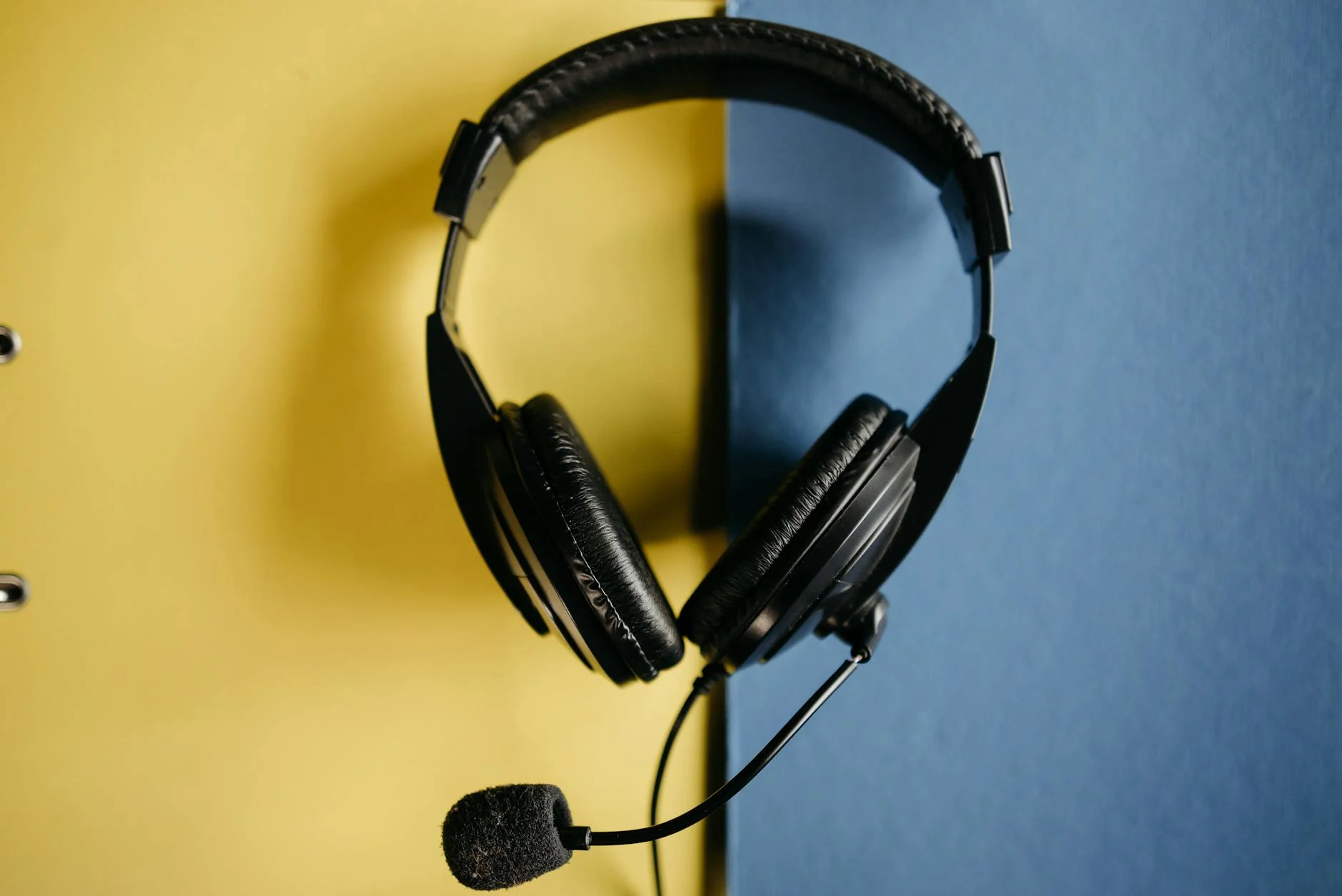
While you certainly don’t need to break the bank on a professional studio to create voice over for online course content, investing in a few essential pieces of equipment will dramatically elevate your audio quality. Good gear isn’t just a luxury; it can make a night-and-day difference in the clarity and richness of your recordings.
The microphone, without a shadow of a doubt, is arguably the most crucial piece of your audio arsenal. USB microphones (think Blue Yeti, Rode NT-USB Mini) are a breeze to use – plug-and-play, super convenient, and an excellent choice for beginners. They connect directly to your computer and often deliver perfectly clear voice overs.
However, for those chasing higher quality and greater flexibility, XLR microphones (like the Shure SM7B, Rode NT1) are the industry standard. They do require an audio interface, but in return, they offer superior sound fidelity, robust durability, and a much wider array of options for customizing and controlling your audio input. It’s truly a step up the ladder.
If you decide to go the XLR microphone route, an audio interface is an absolute must-have. This clever device acts as the bridge between your XLR mic and your computer, gracefully converting the analog audio signal into a digital one. It also typically houses a preamp, which is vital for boosting your microphone’s signal to a usable level without introducing unwanted noise.
Popular audio interfaces include the renowned Focusrite Scarlett series and the Universal Audio Volt. These devices not only supply phantom power for condenser microphones but often include headphone outputs, allowing you to monitor your audio in real-time – a critical feature during any recording session.
Closed-back headphones are an indispensable tool for monitoring your audio as you record. They’re designed to prevent sound from escaping and being picked up by your microphone, which could lead to nasty feedback or echoes. Monitoring lets you catch any plosives, mouth clicks, or sneaky background noises the instant they happen, saving you a headache later.
A pop filter might look humble, but it’s an incredibly effective accessory. This simple screen, placed between your mouth and the microphone, works wonders by dispersing the air from those harsh “p” and “b” sounds (plosives). This prevents those jarring popping noises from ruining your recording. It’s an inexpensive little gadget that makes a truly huge difference in vocal clarity.
To capture and meticulously edit your voice over, you’ll need a Digital Audio Workstation (DAW). For those just starting out, Audacity is a fantastic, free, open-source option, packing all the essential recording and editing tools you’ll need. If you’re ready for more advanced features and aiming for truly professional results, consider paid powerhouses like Adobe Audition, Reaper, or Logic Pro X (a Mac-only gem).
These software solutions empower you to record multiple takes, snip out mistakes, apply various effects, and mix your audio to perfection. Getting to grips with your chosen DAW is absolutely crucial for efficient post-production and for achieving that polished, professional sound your online course truly deserves.

With your equipment all set up and your script polished and ready to roll, it’s time to hit record. The actual recording session demands focus and strict adherence to best practices to ensure the cleanest possible audio, which in turn minimizes the need for extensive post-production wizardry later on.
Proper microphone placement is the golden ticket to consistent audio quality. As a general rule of thumb, position your microphone about 6-12 inches from your mouth, slightly off-axis (meaning not directly in front) to further tame those pesky plosives. Don’t be afraid to experiment a little to find that sweet spot that captures your voice clearly without picking up too much ambient room noise.
While speaking, make a conscious effort to maintain a consistent distance from the microphone. Speak clearly and naturally, as if you’re having a one-on-one conversation with a single person. Steer clear of shouting or whispering, which can lead to wildly uneven volume levels. Practice deep breathing to keep your breath under control and minimize any unwanted breath sounds creeping into your recording.
Even in the most meticulously prepared environment, unexpected noises can still rear their ugly heads. Before each recording session, take a moment of silence to record a few seconds of “room tone.” This captures the unique ambient noise of your space, which can prove invaluable during post-production for noise reduction and making those edits sound utterly seamless.
During recording, be hyper-aware of your surroundings. Silence all notifications on your computer and phone, close any open windows, and gently inform others in your household that you’re in the middle of a recording session. Trust me, even subtle noises like chair squeaks, keyboard clicks, or a rumbling stomach can be picked up by sensitive microphones, becoming a real thorn in your side.
Your pacing and delivery are absolutely critical for keeping learners hooked. Resist the urge to speak too quickly, which can make your content a challenge to follow, or too slowly, which can send your audience straight to snoozeville. Aim for a natural, conversational pace, thoughtfully incorporating pauses where appropriate to let information truly sink in.
Vary your tone and inflection to highlight key points and keep interest levels high. A monotone delivery is a fast track to disengagement. Practice your script beforehand, focusing on expressing the information clearly and with just the right amount of enthusiasm. Remember, you’re not just reading words; you’re actively teaching a subject, so let your passion shine through!
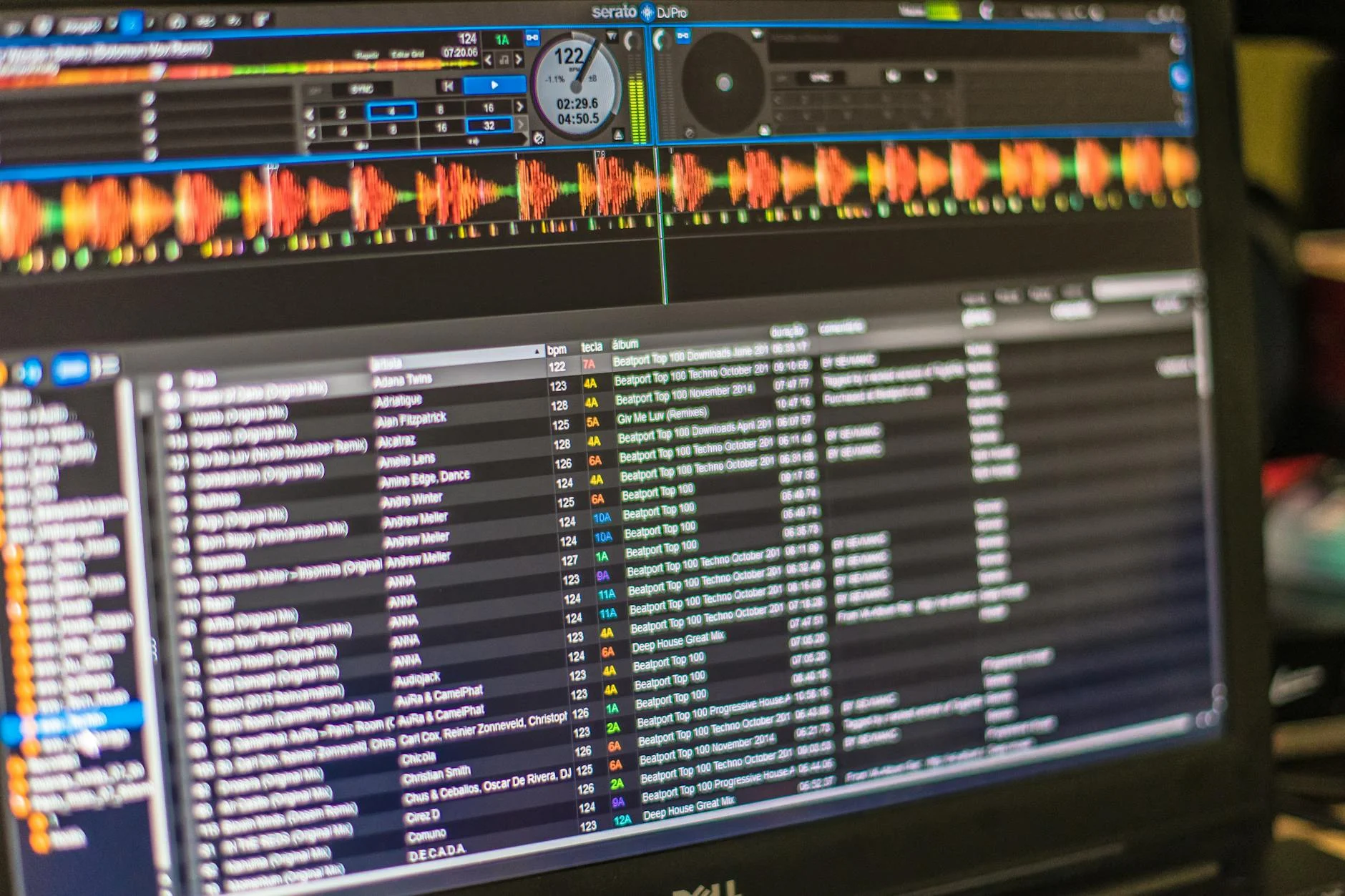
Once your recording session is wrapped up, that’s when the real magic of post-production begins. This is the stage where your raw audio undergoes a magnificent transformation into a polished, professional voice over. Patience and an eagle eye for detail during this phase are absolutely crucial for delivering a superior final product that truly shines.
The very first order of business in editing is to meticulously clean up your audio. This involves systematically removing any coughs, sneezes, mouth clicks, breath sounds, or any other extraneous noises that managed to sneak into your recording. Most Digital Audio Workstations (DAWs) come equipped with handy tools to visually pinpoint these sounds, allowing you to either snip them out or gently reduce their volume.
Next, trim away any unnecessary silences. While natural pauses are definitely a good thing, overly long stretches of quiet can seriously disrupt the flow. Aim for tight, purposeful pauses that genuinely enhance comprehension rather than detracting from it. Remember that room tone you recorded earlier? Now’s the time to use it to gracefully fill any gaps or make your cuts less noticeable, ensuring a seamless listening experience.
Equalization (EQ) is your secret weapon for fine-tuning the frequency balance of your voice. You can strategically boost certain frequencies to make your voice sound richer or clearer, and conversely, cut others to banish muddiness or harshness. For instance, a subtle boost in the higher frequencies can add a lovely sense of presence, while gently cutting low-mid frequencies can reduce that undesirable “boominess.”
Compression steps in to help even out the volume levels of your voice. It essentially tames the dynamic range by making the loud parts a touch quieter and the quiet parts a bit louder, resulting in a much more consistent and professional sound. Just be careful not to over-compress, as this can make your voice sound unnatural or, as some say, “squashed.” It’s all about finding that sweet spot.
After you’ve had your way with EQ and compression, normalization is typically applied to bring the overall volume of your voice over to an optimal level without any nasty clipping. This ensures your audio is consistently loud enough to be heard clearly without distorting – nobody wants that! Most platforms have specific loudness standards they recommend (for example, -14 LUFS for video content), so it’s wise to check those.
Mastering is the grand finale, the final polish on your audio masterpiece. It involves applying subtle, overall enhancements to the sound, ensuring it’s perfectly primed for distribution. This might include a final limiter to prevent any peaks from soaring past 0 dB and, perhaps, a tiny touch of reverb if it’s truly appropriate, though generally, voice overs should aim for a dry and direct sound. The ultimate goal is a consistent, crystal-clear, and impactful sound for your online course that leaves a lasting impression.
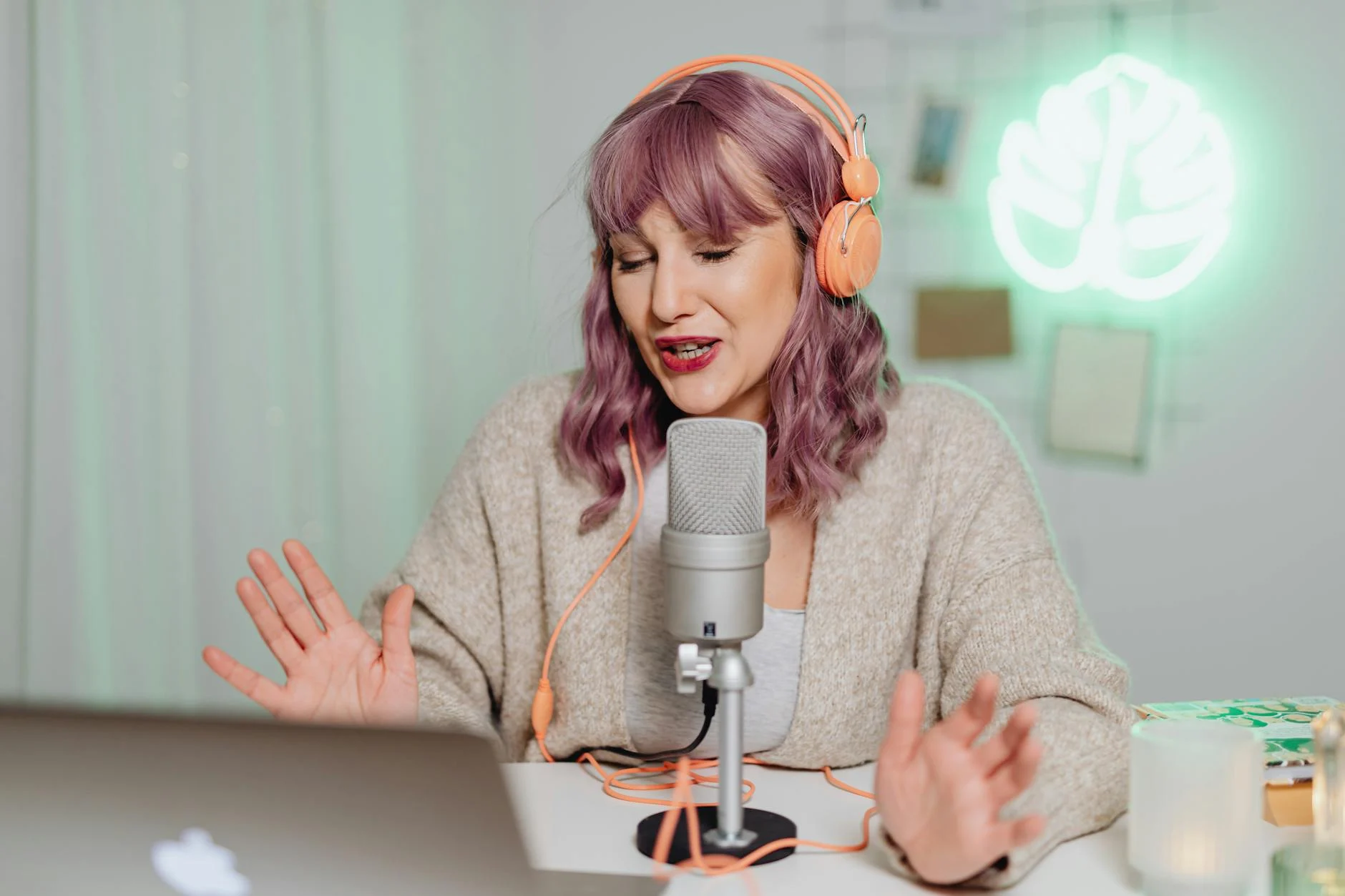
A voice over, no matter how perfectly crafted, is just one piece of the puzzle for an online course. The real challenge, and where the magic truly happens, is in seamlessly weaving it together with your visual aids, slides, and other interactive elements to forge a cohesive and utterly engaging learning experience.
The most critical aspect of this integration is ensuring your voice over perfectly synchronizes with your slides, screen recordings, or video demonstrations. Most video editing software (like Adobe Premiere Pro, DaVinci Resolve, or Camtasia) makes it a breeze to import your audio track and align it precisely with your visual content – it’s like conducting an orchestra!
Play through your module multiple times, with a fine-tooth comb, to check for any desynchronization. Pay keen attention to the transitions between slides or scenes. Smooth transitions, both visually and audibly, are the secret sauce to maintaining a professional feel and preventing any learner distraction. A smart move is to add visual cues into your script during pre-production; this can be a lifesaver during the syncing process.
Once your voice over is perfectly integrated with your visuals, the next step is to export your final course module. You’ll need to choose the appropriate file format and settings based on your learning management system (LMS) or hosting platform. Common video formats typically include MP4, while audio-only content might be best exported as an MP3.
Don’t forget to pay attention to details like video resolution, bitrate, and audio sample rate. While higher quality often translates to larger file sizes, striking a good balance between quality and file size is crucial for efficient streaming and quick download times for your students. Always make sure to double-check your LMS’s recommended specifications – it’s better safe than sorry!
Before you launch your course into the wild, a thorough quality control review is absolutely non-negotiable. Watch and listen to every single module, putting yourself squarely in a learner’s shoes. Keep an eye (and ear) out for:
It’s often incredibly helpful to have a fresh pair of eyes and ears review your content, as they might catch errors you’ve become blind or deaf to. This final review ensures that all your hard work in creating a stellar voice over truly translates into an excellent overall course experience for your students.
For online courses sprawling across multiple modules, unwavering consistency in voice over quality is paramount. Learners expect a uniform experience from the get-go to the finish line. Here are a few strategies to ensure your voice over remains top-notch, module after module, throughout your entire course.
A dedicated style guide for your voice over acts as your North Star, guaranteeing uniformity, especially if multiple people are involved in production or if you plan to update your course down the road. This guide should meticulously detail:
Sticking to a style guide prevents those subtle variations that can throw learners off and ensures your course maintains a cohesive, professional brand voice.
If you find yourself with a mountain of similar audio files that all need the same post-production treatment, consider the magic of batch processing. Many DAWs allow you to apply the exact same sequence of effects (EQ, compression, normalization) to multiple files simultaneously. This can save you a tremendous amount of time and is a fantastic way to ensure consistent audio characteristics across all your voice overs.
However, always make it a habit to perform individual spot checks, even after batch processing. Sometimes, unique anomalies in certain recordings might still call for a bit of manual tweaking. Batch processing is a powerful tool for efficiency, but it should never replace the critical step of careful listening.
Don’t be shy about soliciting feedback on your voice over quality, especially from beta testers or your very first learners. Constructive criticism can be a real eye-opener, highlighting areas for improvement you might have completely overlooked. Be open to iterating and refining your approach based on this invaluable feedback – it’s a golden opportunity for growth.
Make it a practice to regularly review your own work, too. As you gain more mileage in how to create voice over for online course content, you’ll naturally develop a sharper ear for what truly sounds professional and engaging. Continuous learning and improvement are, without a doubt, the bedrock of long-term success in the dynamic world of online course creation.
Even with the best intentions and a heart full of enthusiasm, it’s remarkably easy to stumble into common traps that can seriously compromise the quality of your voice overs. Being keenly aware of these pitfalls allows you to proactively sidestep them and uphold a consistently high standard for your online course audio, saving you a lot of grief down the line.
This is perhaps the biggest pitfall of them all. Fuzzy, noisy, or echoing audio is nothing short of a death knell for learner engagement. It screams a lack of professionalism and makes your content incredibly difficult to consume. Make sure to avoid recording in untreated rooms, using flimsy, low-quality microphones, or neglecting crucial soundproofing efforts.
Always, always prioritize a pristine recording environment and decent equipment. Remember this golden rule: it’s incredibly difficult, if not utterly impossible, to fix truly bad audio in post-production. The very foundation of an excellent voice over lies in a clean, high-quality initial recording.
A monotone, unenthusiastic delivery is a fast track to disengaging your learners. If your voice sounds bored or disinterested, you can bet your audience will quickly follow suit. Steer clear of simply reading your script without emotion or varying your pitch and pace – that’s a recipe for disaster.
Practice your script until it feels natural, inject your personality, and speak with genuine confidence and passion about your subject matter. Picture yourself having a lively conversation with your learners, rather than just delivering a dry lecture. Your voice is an incredibly powerful tool for conveying enthusiasm and forging a real connection with your audience, so use it wisely!
Nothing is more jarring than a voice over that suddenly shifts in volume, tone, or even microphone quality from one segment to the next. This kind of inconsistency shatters the immersive experience and can be incredibly distracting. It often crops up when recording in different environments or with varying equipment without proper calibration – a tell-tale sign of an oversight.
Strive for unwavering consistency in every aspect: use the same microphone, record in the same carefully prepared environment, and apply consistent post-production settings across all your modules. A consistent listening experience builds trust and allows learners to focus wholeheartedly on your content, without any unnecessary distractions.
Crafting professional voice overs for your online courses is an investment that truly pays off, yielding significant dividends in learner engagement, credibility, and overall course quality. By systematically tackling each stage—from meticulous pre-production and thoughtful equipment choices to careful recording, precise editing, and seamless integration—you can transform your raw audio into a powerful educational tool. Always remember that a clear, engaging voice over isn’t just an auditory element; it’s a direct reflection of your unwavering commitment to providing an exceptional learning experience.
The journey to master the art of voice over for online courses might seem a bit daunting at first, but by diligently following the practical steps and wisely avoiding the common pitfalls outlined in this guide, you are well on your way to producing audio content that truly captivates and educates. Keep your focus squarely on clarity, consistency, and connection, and your learners will undoubtedly thank you for the enhanced experience. It’s time to empower your online course with a voice that genuinely shines and stands out from the crowd.
For those just starting out, a high-quality USB microphone like the Blue Yeti or Rode NT-USB Mini is an excellent choice. They are incredibly easy to set up, offer true plug-and-play convenience, and provide significant sound quality improvements over your computer's built-in microphone, making them ideal for anyone beginning to create voice over for online course content.
To cut down on echo, try recording in a room filled with soft furnishings such as carpets, curtains, and upholstered furniture, as these materials naturally absorb sound. You can also strategically place acoustic foam panels, hang blankets, or even record inside a closet packed with clothes. The main goal is to minimize hard, reflective surfaces that cause sound waves to bounce around.
For straightforward edits like removing pauses or applying basic noise reduction, you can absolutely edit your voice over yourself using free software like Audacity. However, for more advanced mixing, mastering, and tackling complex noise issues, bringing in a professional audio editor can save you a lot of time and guarantee a highly polished sound, especially if audio production isn't your strong suit.
While there's no hard and fast rule, it's generally a good practice to keep individual voice over segments or video lessons relatively short, ideally somewhere between 5-15 minutes. This approach helps maintain learner attention and makes the content much more digestible. If you have a longer topic, break it down into smaller, focused modules to prevent information overload.
The ideal volume level is frequently measured in LUFS (Loudness Units Full Scale). Many platforms recommend a target loudness of around -14 to -16 LUFS for video content, ensuring that true peak levels don't exceed -1 dBTP. Adhering to this standard ensures your audio is consistently loud and clear without any distortion, providing a comfortable and professional listening experience for your students.

